
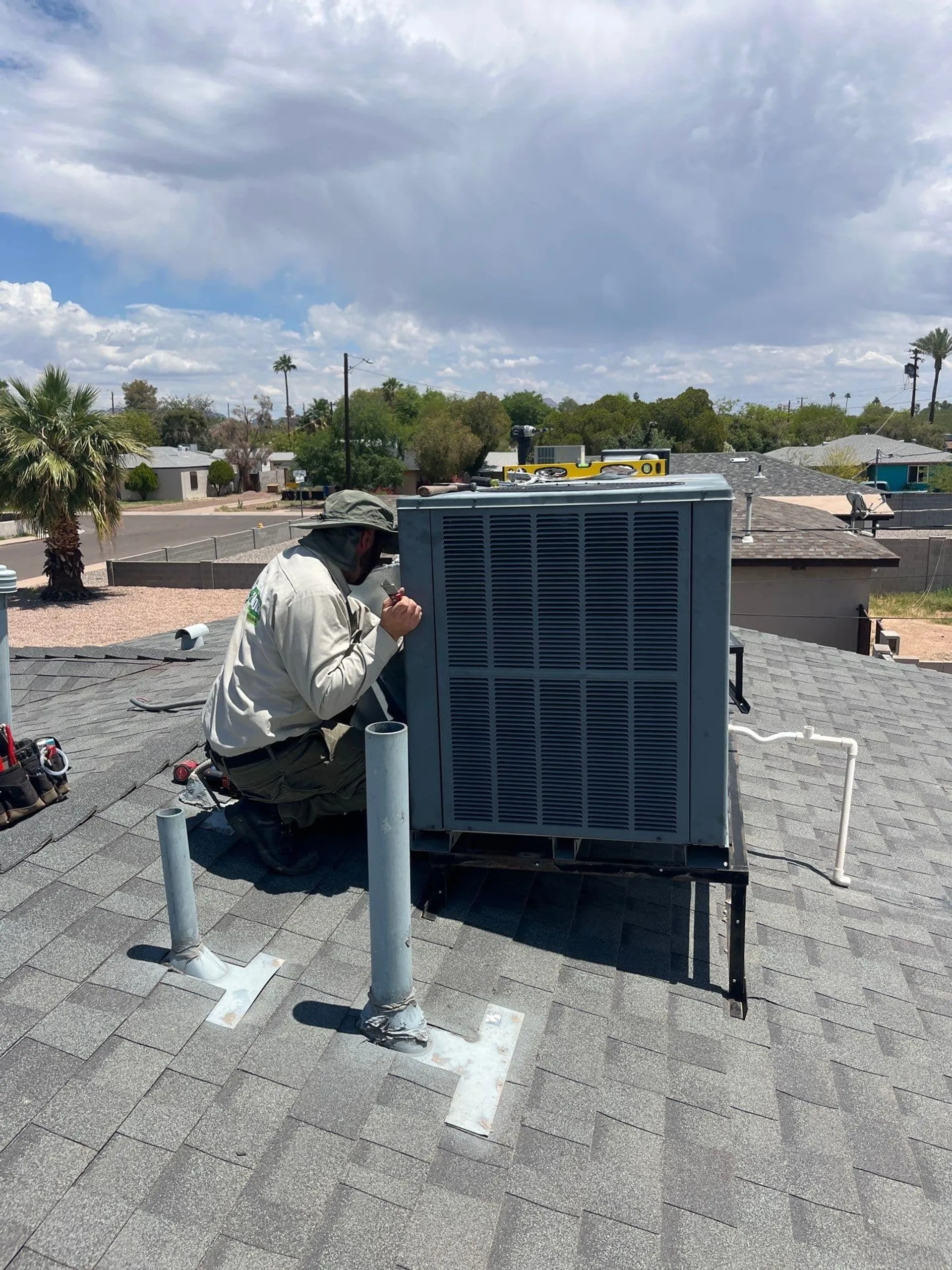
Thermostat Display Blank or Not Working: Quick Fixes
A blank thermostat screen in your Phoenix home can be alarming, but the solution is often simple. Troubleshoot common causes like batteries, breakers, and safety switches before calling for service.
Thermostat Display Blank or Not Working: Quick Fixes
There are few things more anxiety-inducing for a Phoenix homeowner than walking past the thermostat on a sweltering afternoon and seeing a completely black screen. In our climate, the air conditioner isn’t just a luxury; it is a necessity. When the interface that controls your comfort goes dark, it is easy to assume the worst—that your entire system has failed and an expensive repair is imminent.
However, a blank screen doesn’t always mean your HVAC system is broken. In many cases, the issue is a minor power interruption or a safety feature doing its job. Before you panic, there are several troubleshooting steps you can take on your own. By understanding the basics of thermostat troubleshooting, you might be able to get your cool air flowing again in minutes.
Why Did My Thermostat Go Dark?
To understand why your thermostat display is not working, it helps to know how it gets its power. Most modern thermostats fall into two categories: battery-powered or hardwired.
Battery-powered units run entirely on AA or AAA batteries. Hardwired units receive 24 volts of electricity directly from your furnace or air handler through a common wire (C-wire). Even hardwired units often have backup batteries to save your settings during a power outage.
When the screen goes blank, it usually means the flow of power has been interrupted. This could be local (dead batteries) or systemic (power cut to the HVAC unit).
Check the Batteries First
It sounds obvious, but the most common cause of a blank screen is dead batteries. Even if your thermostat is hardwired, some models require batteries to light up the display.
How to Check
- Remove the Faceplate: Most thermostat covers pop off the wall plate with a gentle pull, or they may have a small latch.
- Inspect the Housing: Look for AA, AAA, or a button-cell battery.
- Check for Corrosion: If the batteries are old, they may have leaked acid onto the terminals. If you see white or green crusty buildup, clean it carefully with a cotton swab and a little vinegar before inserting new batteries.
- Replace: Put in fresh, high-quality alkaline batteries.
If the display lights up immediately, you have solved the problem! If not, the issue lies elsewhere in the electrical chain.
Inspect Your Circuit Breakers
If fresh batteries didn’t do the trick, or if you don’t use batteries, the next step in thermostat troubleshooting is checking your home’s electrical panel.
Your HVAC system typically has two breakers:
- A double-pole breaker for the outdoor condenser (AC).
- A single-pole breaker for the indoor furnace or air handler.
The thermostat gets its power from the indoor unit. If the breaker for the indoor unit has tripped, the thermostat loses its 24-volt power source, causing the display to die.
The Fix
Go to your breaker box (often in the garage or on the side of the house). Look for a switch labeled “Furnace,” “Air Handler,” or “FAU.” If the switch is in the “Off” position or stuck in the middle (neutral), flip it all the way off and then back on.
Warning: If the breaker trips again immediately or makes a buzzing sound, do not try to reset it a second time. This indicates a serious electrical short, and you should call a professional immediately.
The Condensate Safety Switch (The Float Switch)
In the Phoenix Valley, this is one of the most frequent causes of sudden thermostat problems.
Your air conditioner produces a lot of water as it removes humidity from your home. This water drains out through a white PVC pipe, usually leading outside. If that drain line gets clogged with dust, algae, or sludge (which happens often in our dusty environment), the water backs up.
To prevent this water from overflowing and destroying your ceiling or flooring, most modern systems have a safety device called a “condensate overflow switch” or “float switch.”
How It Works
When the water level in the drain pan rises too high, it lifts a small float. This triggers a switch that cuts the low-voltage power circuit to the thermostat. It essentially kills the brain of the AC to stop it from producing more water.
What to Look For
- Go to your indoor unit (attic, closet, or garage).
- Look for the drain line coming out of the unit. You might see a small device with wires coming out of it attached to the pipe or the drain pan.
- If you see standing water in the pan or if the float switch looks engaged, your drain is clogged.
Clearing the drain line with a wet-dry vac from the outside termination point often resolves the issue. Once the water drains, power is restored to the thermostat, and the blank screen should turn back on.
The Furnace Door Safety Switch
Another safety feature that cuts power is the blower compartment door switch.
Your indoor unit has a removable metal panel that covers the blower motor and electronics. For safety reasons, there is a switch that must be depressed for the unit to run—similar to the light switch in your refrigerator, but in reverse. If the door isn’t closed 100% securely, the switch opens, cutting all power to the board and the thermostat.
The Fix
If you recently changed your air filter or had someone working near the unit, the door might not be seated correctly. Go to the unit and ensure the panel is pushed in firmly and screwed tight. You might hear a small click when the safety switch engages.
Wiring Issues and Blown Fuses
If you have checked the batteries, the breaker, the drain line, and the door, and the thermostat display is still blank, the issue might be internal.
Loose Wires
Over time, the tiny wires connecting the thermostat to the wall plate can vibrate loose.
- Pull the thermostat off the wall.
- Check that the R (Power) and C (Common) wires are securely screwed into their terminals.
- Gently tug on them to ensure they aren’t loose.
Blown Fuse on the Control Board
Inside your furnace or air handler, there is a main control board that acts as the traffic cop for the system. This board is protected by a small automotive-style fuse (usually 3 or 5 amps).
If there was a power surge or a short in the thermostat wiring, this fuse will pop to save the expensive board. While replacing a fuse is cheap, finding out why it popped usually requires a multimeter and electrical expertise.
When to Replace the Thermostat
Sometimes, electronic devices simply fail. If your thermostat is more than 10 years old, the LCD screen might have burned out, or the internal circuitry may have degraded.
Signs your thermostat is the problem:
- The screen is blank, but you hear the AC running (rare, but possible).
- The backlight works, but there is no text.
- You put in fresh batteries, but the low battery icon won’t go away.
Upgrading to a new programmable or smart thermostat can solve the issue and help you save on energy bills in the long run.
How Shamrock Can Help
While swapping batteries is easy, messing with high-voltage wiring or diagnosing a shorted control board carries risks. If you have run through these quick fixes and your screen is still dark, it’s time to call in the experts.
At Shamrock Heating & Cooling, we serve the entire Phoenix metro area, from the foothills of Scottsdale to the neighborhoods of Chandler and Gilbert. Our technicians can quickly identify why your thermostat display is down.
We can:
- Flush clogged condensate lines and install overflow protection devices.
- Trace electrical shorts in the low-voltage wiring.
- Replace blown fuses and transformers.
- Install and program new, energy-efficient thermostats during an AC installation or upgrade.
Don’t let a blank screen leave you sweating. We are here to get your system back online fast.
Reach out to our team for reliable HVAC service.
Need HVAC Help? We’re Here to Help.
Schedule service with Shamrock Heating & Cooling for fast, reliable comfort.
Schedule Service