
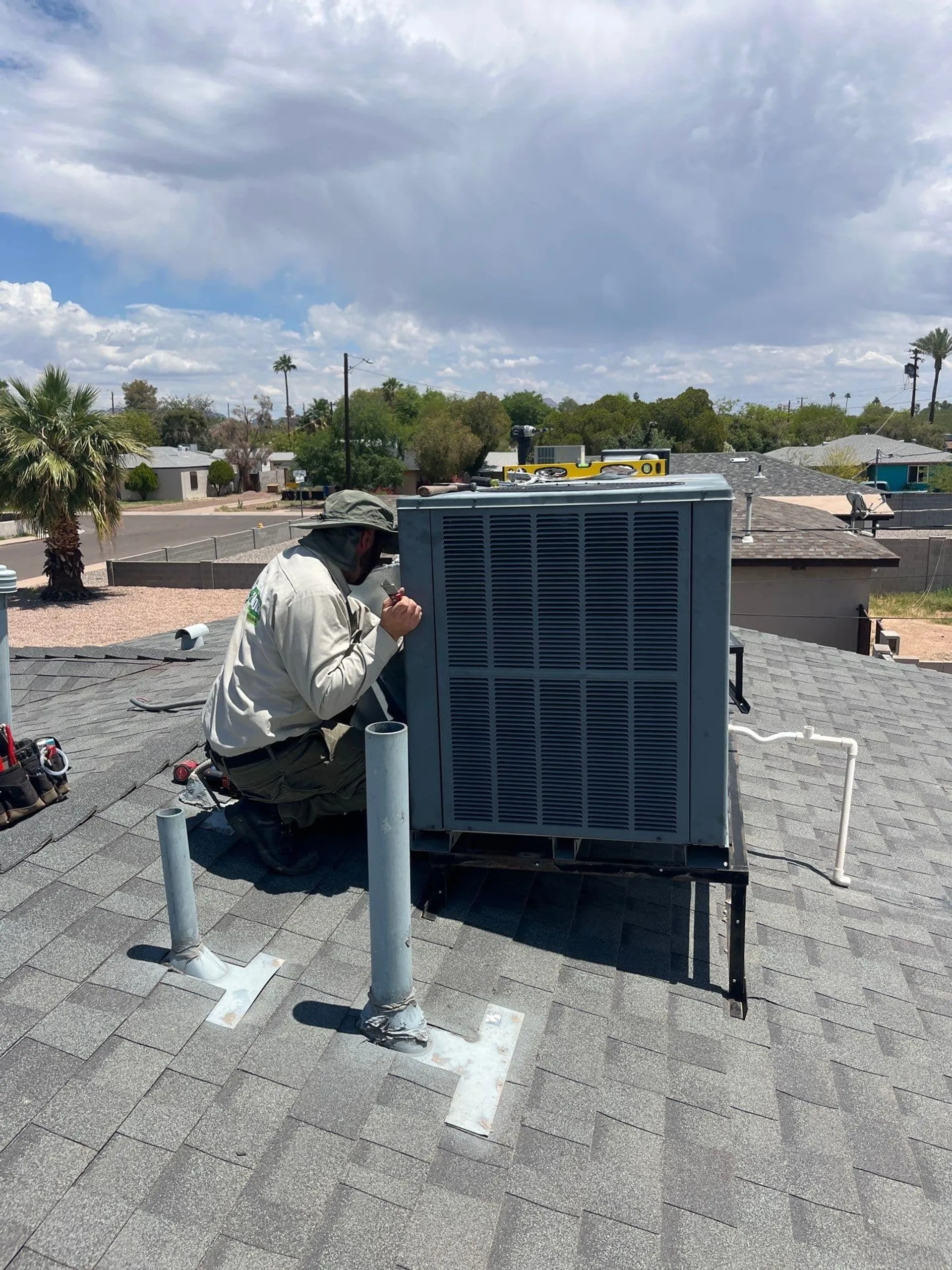
Thermostat Not Working Properly? Troubleshooting Guide
A malfunctioning thermostat can make your home uncomfortable and waste energy. Identify common thermostat issues and their solutions for Phoenix Valley homes.
Thermostat Not Working Properly? Troubleshooting Guide
Your thermostat is the brain of your home’s heating and cooling system. It communicates your comfort needs to the massive machinery sitting outside or in your attic. When this small device on the wall malfunctions, the entire system can behave erratically, leaving you sweating in your Scottsdale living room or shivering in your Gilbert bedroom.
A glitchy thermostat doesn’t just impact your comfort; it can lead to significant energy waste and unnecessary wear on your HVAC equipment. Before you assume your air conditioner or furnace is broken, it is worth investigating the control center itself. Many HVAC control issues stem directly from settings, batteries, or calibration errors rather than mechanical failure.
Here is a guide to troubleshooting common thermostat repair issues and knowing when it is time to call in the professionals.
Check the Power Source
If your thermostat screen is blank or unresponsive, the first place to look is the power source. While this seems obvious, it is the most frequent cause of service calls that turn out to be quick fixes.
- Batteries: Many digital thermostats rely on AA or AAA batteries to retain settings and power the display. Even if your thermostat is hardwired to your home’s electrical system, the batteries often act as a backup. If they die, the screen goes dark. Swap them out once a year.
- Circuit Breaker: If changing the batteries doesn’t work, check your home’s electrical panel. The breaker for the HVAC system or the specific low-voltage circuit for the thermostat may have tripped. Flip it off and back on to reset it.
- Safety Switches: Some modern HVAC units have safety float switches installed in the condensate drain pan. If the pan fills with water due to a clog, the switch cuts power to the thermostat to prevent flooding. If your screen is blank and the breaker is fine, check your AC unit for water issues.
Verify Your Settings
In the transition seasons here in the Phoenix Valley, it is easy to have the wrong settings active. We often switch between cooling and heating in a matter of weeks, or even days, during the spring.
- Heat vs. Cool: Ensure the switch is set to the correct mode. It sounds simple, but if you accidentally bumped it to “Off” or “Fan Only,” the compressor won’t kick on.
- Fan Auto vs. On: This is a major source of confusion. If your fan is set to “On,” the blower will run 24/7, even when the air conditioner isn’t actively cooling. This circulates room-temperature air, which can make it feel like your AC is broken. Always keep the fan set to “Auto” so it only runs during a cooling cycle.
- Hold vs. Run: If you have a programmable thermostat, check if a “Hold” setting is overriding your scheduled temperature control. A permanent hold will keep the temperature steady regardless of your pre-programmed energy-saving schedule.
The Issue of Thermostat Calibration
Does your home feel warmer than the 75 degrees displayed on the wall? Or does the AC run constantly even though the room feels freezing? Your thermostat may have lost its calibration.
Thermostat calibration ensures that the temperature sensor inside the device matches the actual room temperature. Over time, sensors can drift, or dust accumulation inside the housing can insulate the sensor, causing false readings.
To test this, tape a precise digital thermometer to the wall next to your thermostat. Wait 15 minutes and compare the readings. If they differ by more than 1–2 degrees, your thermostat needs to be recalibrated (refer to your manual) or replaced.
Location, Location, Location
Sometimes the thermostat is working perfectly, but it is installed in the wrong spot. To provide accurate temperature control, the device needs to be in a central area that represents the average temperature of your home.
- Ghost Readings: If your thermostat is in direct sunlight (common in homes with large south-facing windows in Mesa), it will think the room is much hotter than it is. The AC will run excessively, freezing the rest of the house.
- Drafts: Conversely, if the thermostat is near a drafty front door or directly under a supply vent, it might get false cool readings. This causes the AC to shut off prematurely, leaving the rest of the rooms warm and humid.
- Heat Sources: avoid placing lamps, TVs, or appliances directly under the thermostat. The rising heat from electronics can trick the sensor.
Wiring and Loose Connections
If your HVAC system starts and stops rapidly (short cycling) or if the thermostat display flickers, you might have loose wiring.
Behind the faceplate of your thermostat is a bundle of low-voltage wires. These connect to terminals labeled R, W, Y, G, and C. Vibrations from slamming doors or just years of sitting on the wall can cause these tiny screws to loosen.
Safety First: Before checking wiring, turn off the power to the HVAC system at the breaker. Remove the faceplate and ensure all wires are firmly seated in their terminals. If you see corrosion or frayed wires, it is time to call for professional assistance.
The “Old vs. New” Compatibility Problem
With the rise of smart home technology, many Phoenix homeowners are upgrading to Wi-Fi thermostats. While these offer fantastic convenience, installation isn’t always plug-and-play.
Older homes in Tempe or Chandler may not have a “C-wire” (Common wire). Old mechanical thermostats didn’t need continuous power, but modern smart screens do. Without a C-wire, a smart thermostat might try to steal power from the fan or heat circuits, causing the system to pulse on and off strangely.
Additionally, if you have a heat pump (very common in our area), you need a thermostat specifically designed for multi-stage heating and cooling. Using a standard furnace thermostat on a heat pump can result in the auxiliary heat strips running constantly, causing your electric bill to skyrocket.
Dirty Components
Just like the rest of your home, the inside of your thermostat can get dusty. Mechanical thermostats with a mercury switch or a bimetallic coil are especially sensitive to dust. A layer of grime can interfere with the electrical contacts or insulate the coil, delaying the response time.
For older models, you can gently remove the cover and blow out the dust with compressed air or use a soft brush. Modern digital units are sealed better, but it is still worth checking for debris if the buttons are sticking or unresponsive.
When to Replace Your Thermostat
Thermostats don’t last forever. The average lifespan is about 10 years. After a decade of enduring Arizona summers, the internal sensors degrade.
Consider upgrading if:
- You are still using a manual slide or dial thermostat.
- The temperature swings are uncomfortable (too hot before it turns on, too cold before it turns off).
- You want the ability to control your home’s climate from your phone.
- You have recently installed a new HVAC system. (New equipment works best with matching new controls).
How Shamrock Can Help
Troubleshooting a thermostat can be frustrating. You just want the house to be cool, and fiddling with tiny wires or confusing menus is the last thing you need.
At Shamrock Heating & Cooling, we specialize in accurate HVAC diagnosis. Whether you need a simple thermostat repair, a recalibration, or a full upgrade to a modern smart system, our technicians are ready to help. We ensure that your control system is perfectly matched to your equipment, maximizing efficiency and comfort.
We serve the entire Valley, from Scottsdale to Gilbert, ensuring your home stays at the perfect temperature year-round. Don’t let a small plastic box dictate your comfort.
Experience the difference of professional HVAC care.
Need HVAC Help? We’re Here to Help.
Schedule service with Shamrock Heating & Cooling for fast, reliable comfort.
Schedule Service